
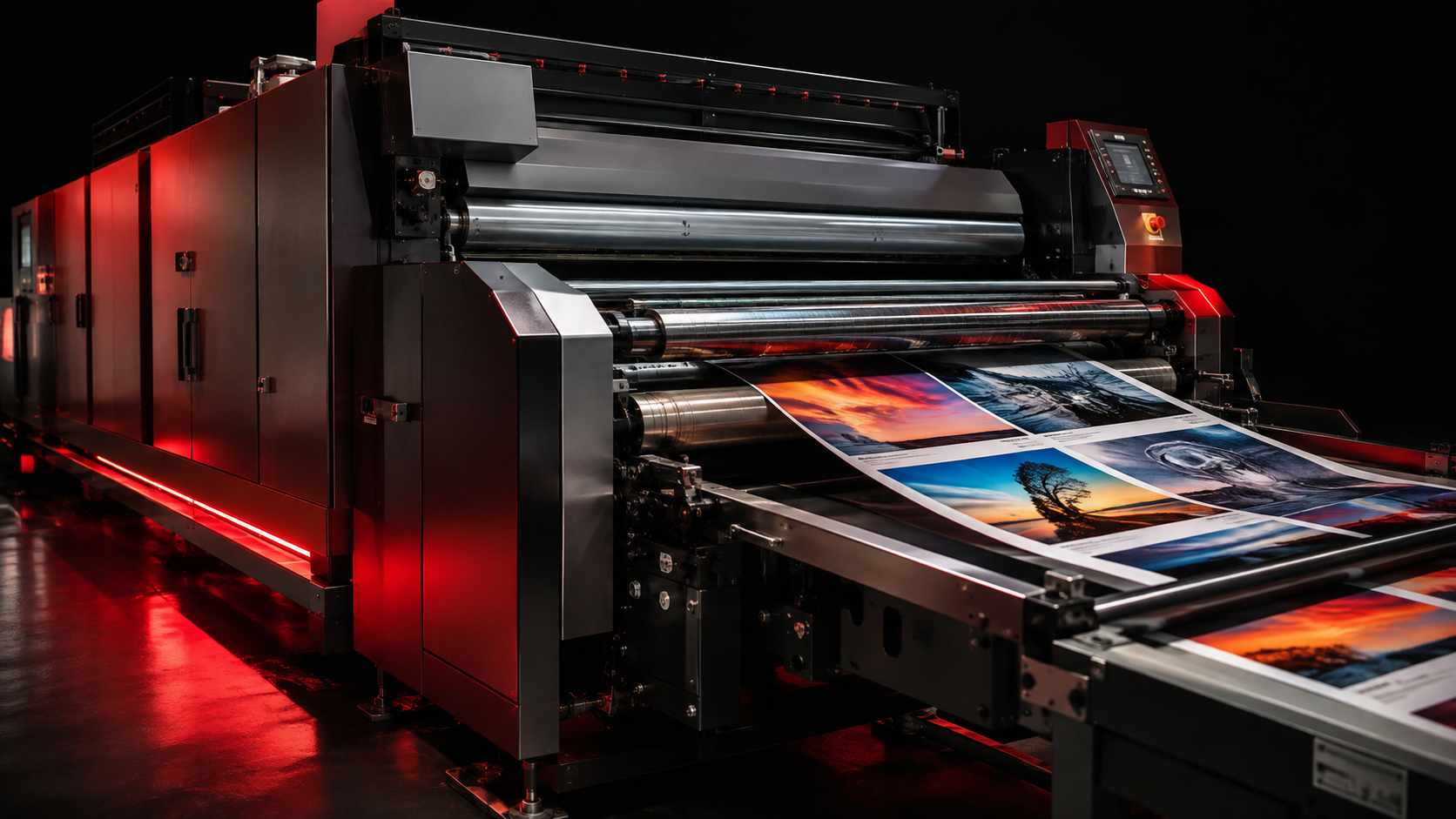
In short: Digital printing suits a business when speed matters, when quantities are small to medium, when data changes between copies, or when repeat marketing materials are needed without setting up print plates each time. It covers business cards, flyers, brochures, catalogs, folders, menus, invitations, certificates, product tags and more.
When is digital printing the right choice?
The right decision doesn't rest on the printing technology's name alone. Quantity, size, paper type, number of sides, color coverage, finishing and deadline all determine the best method and the final cost.
The practical difference between digital and offset printing
Digital printing moves fast from file to output and handles limited runs and changing data well. Offset can be more economical for large, repeat quantities once plate setup cost is factored in. There's no single right answer for every project — compare quantity, specs and deadline before deciding.
If a project needs a trial batch or continuously updated prices, names or data, digital printing offers clear flexibility. If the quantity is very large and the design is fixed, the available alternatives should be studied against a quote.
Paper choice changes the result
Coated (gloss/matte) paper suits most commercial materials because it renders colors and images clearly, and comes in different weights. Textured papers such as some Fabriano stocks give a different feel suited to invitations or premium applications, but need testing before colors and finishes are locked in.
Paper should also match the product's function. A light flyer isn't the same as a catalog cover or a folder carrying inserts, and a personal card needs a balance between thickness and finish. It's best to see a physical sample rather than rely on a paper name alone.
Finishing is not just a cosmetic step
Matte or gloss cellophane can change the look and protect the surface, while scoring helps heavy paper fold cleanly. Cutting, die-cutting, perforation and binding are chosen based on the final product shape. Any finish should be decided before pricing since it directly affects production steps, time and cost.
In some cases the material or printing isn't compatible with every cellophane, fold, or outdoor use. That's why specs are reviewed as one unit rather than choosing each element separately.
How to prepare a print file correctly
It's best to send a high-quality PDF at final size, with appropriate bleed where color runs to the edge, images converted to print-ready resolution, and fonts, margins and trim areas checked. Quantity, number of sides, paper type and finishing should all be stated clearly.
Technical review doesn't replace proofreading text, numbers and names before approval — a language typo or a wrong phone number will appear across the entire run once produced.
Production and review inside Art Zone
Art Zone runs digital printing on a Xerox Proficio PX300 setup, with equipment for printing, production and finishing in one integrated workflow. The process starts with reviewing size, file and material, then approving specs, production, and finally checking cutting, assembly and finishing before delivery.
Having design, printing and finishing on one track reduces color, size or fold-direction mismatches between departments and keeps responsibility clear from the moment the file is received to the final product. Learn more about our production capabilities.
Start with clear specifications
Send your file or a description of the product, size, quantity and required finishing to Art Zone for a technical review and a suitable quote. To get in touch: 01115404818 or artzone-adv.com/contact.